Terminal & File Editor
AiderDesk ships workspace tools so you can act on AI-generated changes without leaving the app.
Integrated Terminal
Open the built-in terminal from the task toolbar to run commands inside your task's isolated environment:
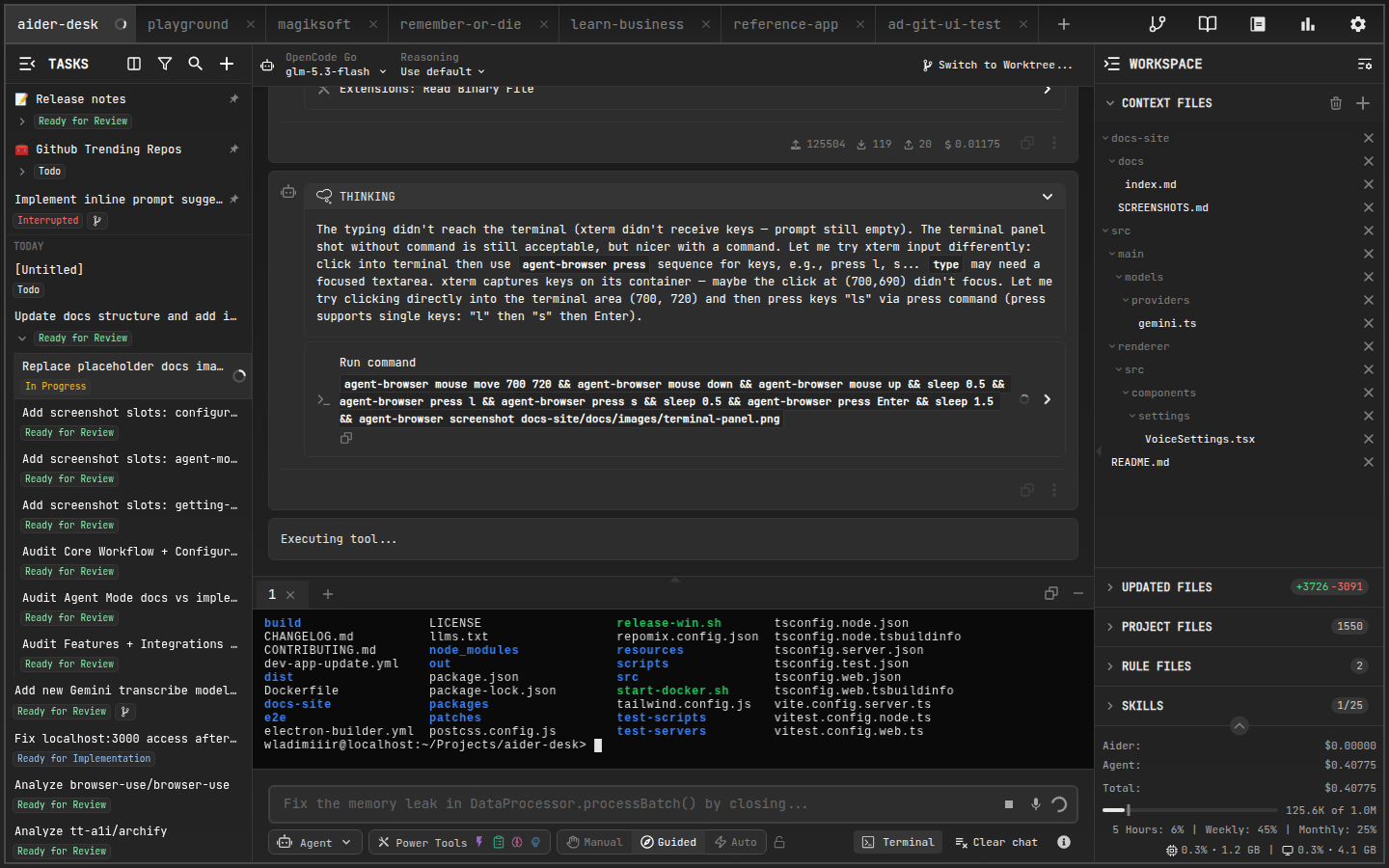
- Runs in the task's working directory — when using Git Worktrees, commands execute inside the worktree
- Useful for running tests, linters, or build steps right after the agent finishes
- Toggle visibility from the task control bar
File Editor
The multi-tab File Editor lets you view and edit any file in the project directly:
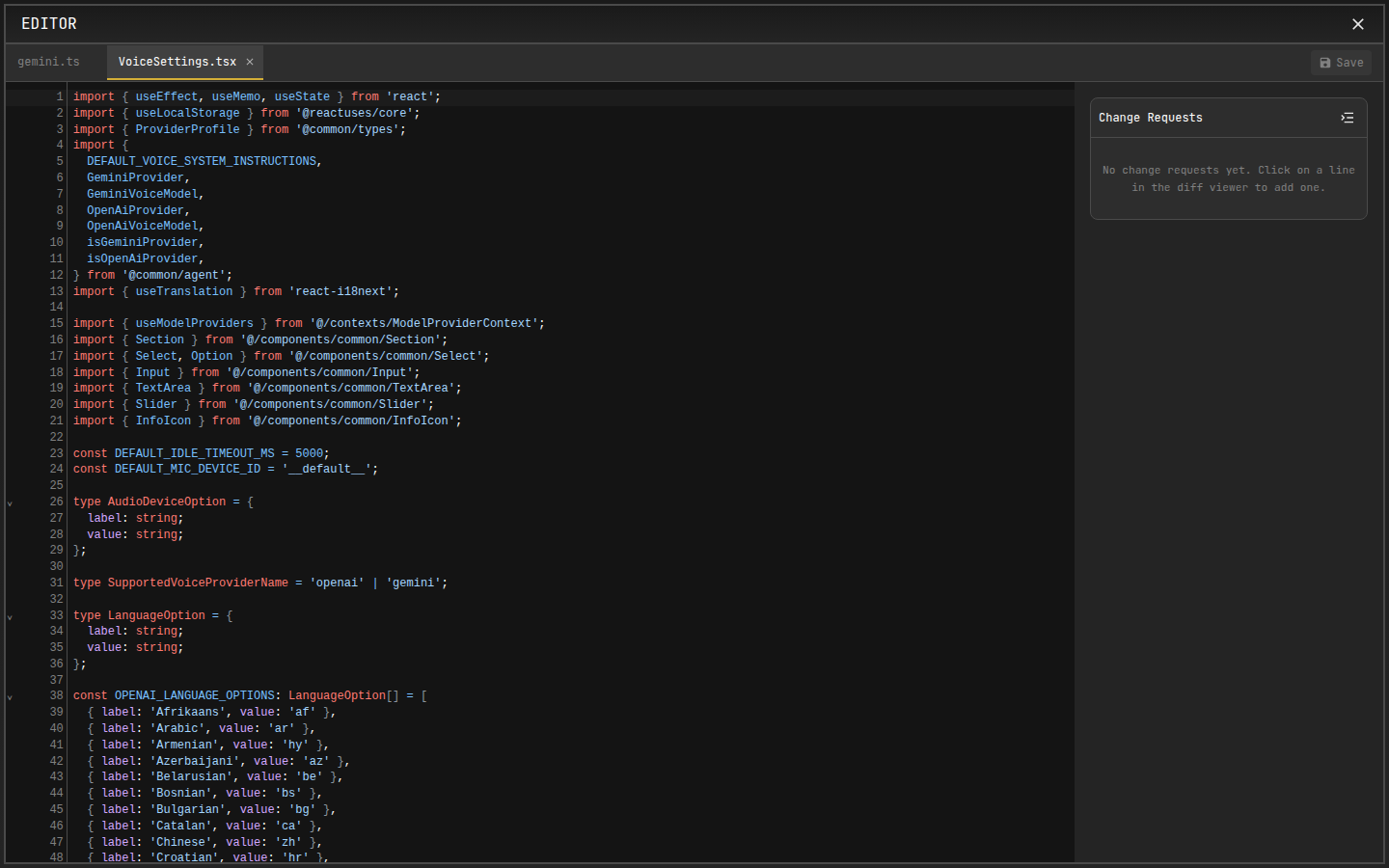
- Edit files side by side with the conversation
- Open files referenced in chat messages or tool output
- Launch it from the command palette (
Open Editoraction)
tip
Combine both: let the agent implement a change, run npm test in the integrated terminal, and fine-tune the result in the editor — all within the same task.