Extensions
Extensions allow you to extend and customize AiderDesk's functionality. They can add new tools, commands, modes, agent profiles, and react to various events in the application lifecycle.
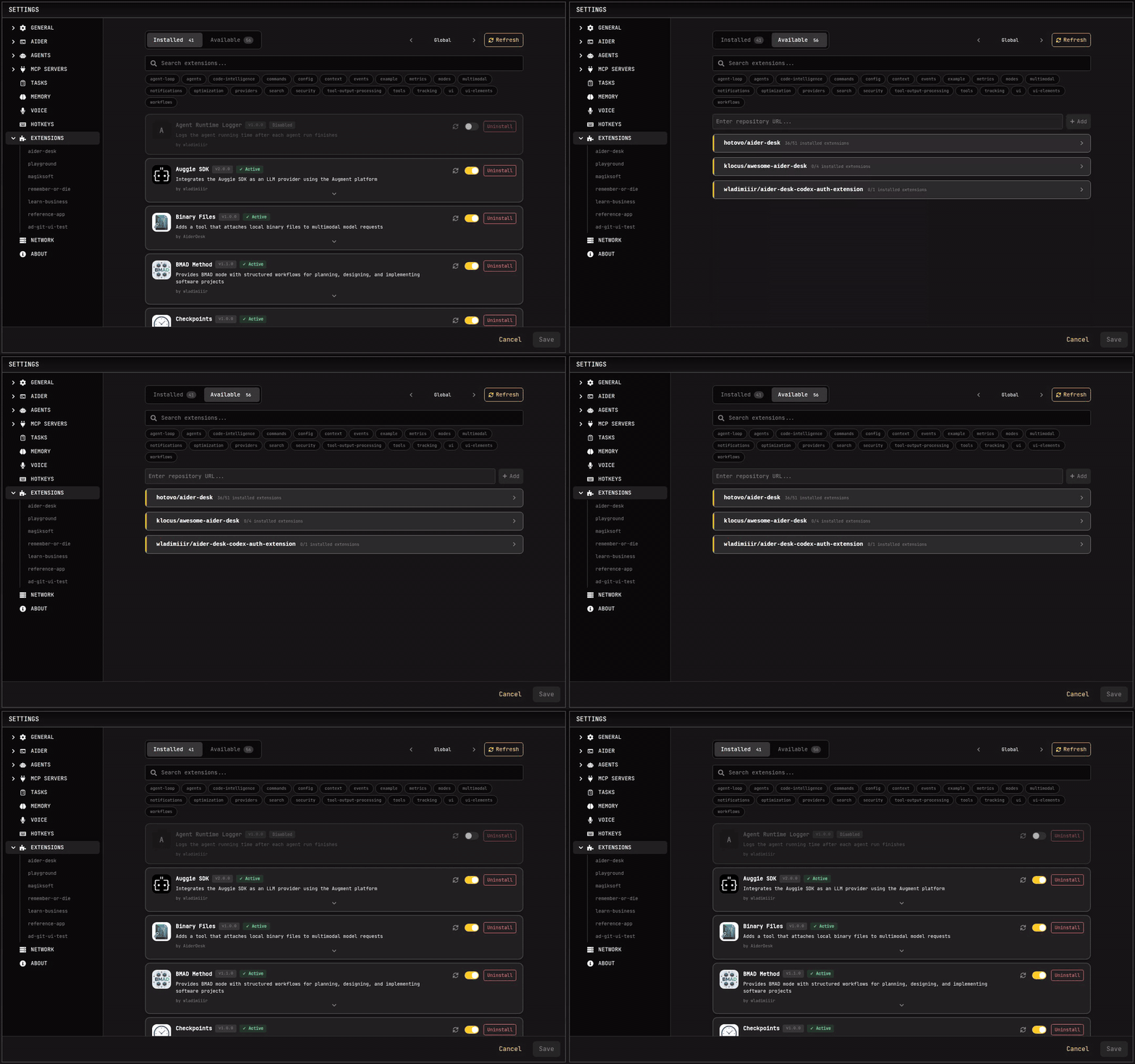
What Extensions Can Do
Register New Capabilities
- Tools - Add custom tools that the AI can use (e.g., run linters, execute scripts, query databases)
- Commands - Create slash commands like
/generate-testsor/deploy - Modes - Define custom chat modes with specific behaviors
- Agent Profiles - Create specialized agents with custom instructions and settings
- UI Components - Render custom React components in various locations throughout the interface
Hook into Events
Extensions can listen to and modify events throughout AiderDesk:
- Task Events - Task creation, initialization, updates, and closure
- Agent Events - Agent execution start, finish, and step completion
- Tool Events - Tool approval, execution, and completion
- File Events - Files added to or dropped from context
- Prompt Events - Prompt submission and processing
- Prompt Template Events - Customize prompt templates before rendering
- Response Events - Response chunks and completion
- And more...
Modify Behavior
Many events allow extensions to modify data before it's processed:
- Block dangerous operations (e.g., prevent
rm -rfcommands) - Transform prompts before sending to the AI
- Filter files being added to context
- Auto-answer approval requests
- Modify AI responses
Extension Locations
Extensions can be installed at two levels:
| Level | Path | Scope |
|---|---|---|
| Global | ~/.aider-desk/extensions/ | Available to all projects |
| Project | ./.aider-desk/extensions/ | Only for the current project |
Project-level extensions can override global extensions with the same name.
Hot Reload
Extensions are automatically reloaded when changes are detected. There's no need to restart AiderDesk when developing or modifying extensions. Just save your file and the changes take effect within seconds.
Creating an Extension: Two Paths
Ask your agent. AiderDesk ships with a built-in Extension Creator skill, so the fastest way to get a custom workflow is to describe it in the chat:
"Create an extension that adds a
/standupcommand posting my task states to our team channel."
The agent scaffolds the extension files, implements the tools, commands, or event handlers you asked for, and hot reload picks it up immediately — then you refine it together with your agent in an ordinary task.
Write it yourself. Follow the Creating Extensions guide to set up the folder structure and implement the Extension interface (getTools, getCommands, getModes, getAgentProfiles, event handlers, UI components). The Event Flow Guide explains how events travel through the app, and the API Reference documents every hook.
Getting Started
- Browse the Extension Gallery - See what's possible: production-ready extensions and examples
- Installation Guide - Install extensions via CLI or manually
- Create your own — just ask your agent, or follow the Creating Extensions guide
- API Reference - Complete API documentation
- Events Reference - All available events and their properties
Quick Install
The fastest way to install extensions is using the CLI:
# Interactive installation
npx @aiderdesk/extensions install

# Install specific extension
npx @aiderdesk/extensions install sound-notification --global